
#
Logging
Logging ensures you stay informed about server events, like deleted messages, providing a constant awareness of what's happening.
kayo adds @silent before logging messages. This prevents you from getting pings or notifications for events. It's especially useful in large servers with many logs, and it stops your mobile device from displaying annoying pop-ups for the logs.
#
Logging channels
kayo can either log all events to a single channel or direct specific events to different channels.
#
Sending every event to one channel
logging enable <channel>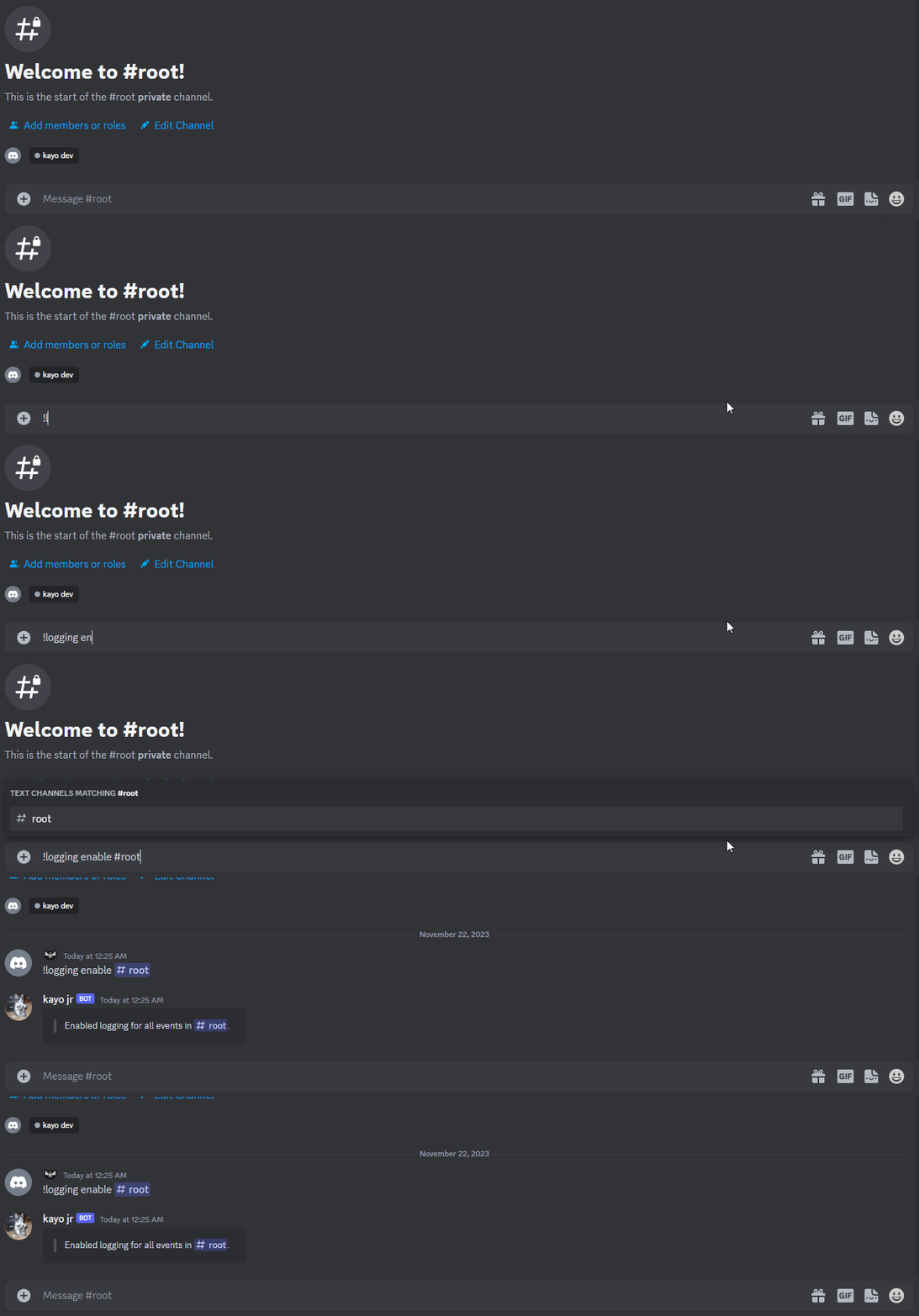
#
Sending events into different logging channels
This works by specifying the event(s) you want logged after mentioning the channel, separating them with a space.
;logging enable <channel> <event(s)>If the channel is already logging events, performing this action will overwrite those events. To add more events to a channel that already has logging, you need to append them to your existing list of events.
As an example, suppose you are already logging member events to the #log channel and want to add message events. In that case, you would execute the following:
logging enable #log member message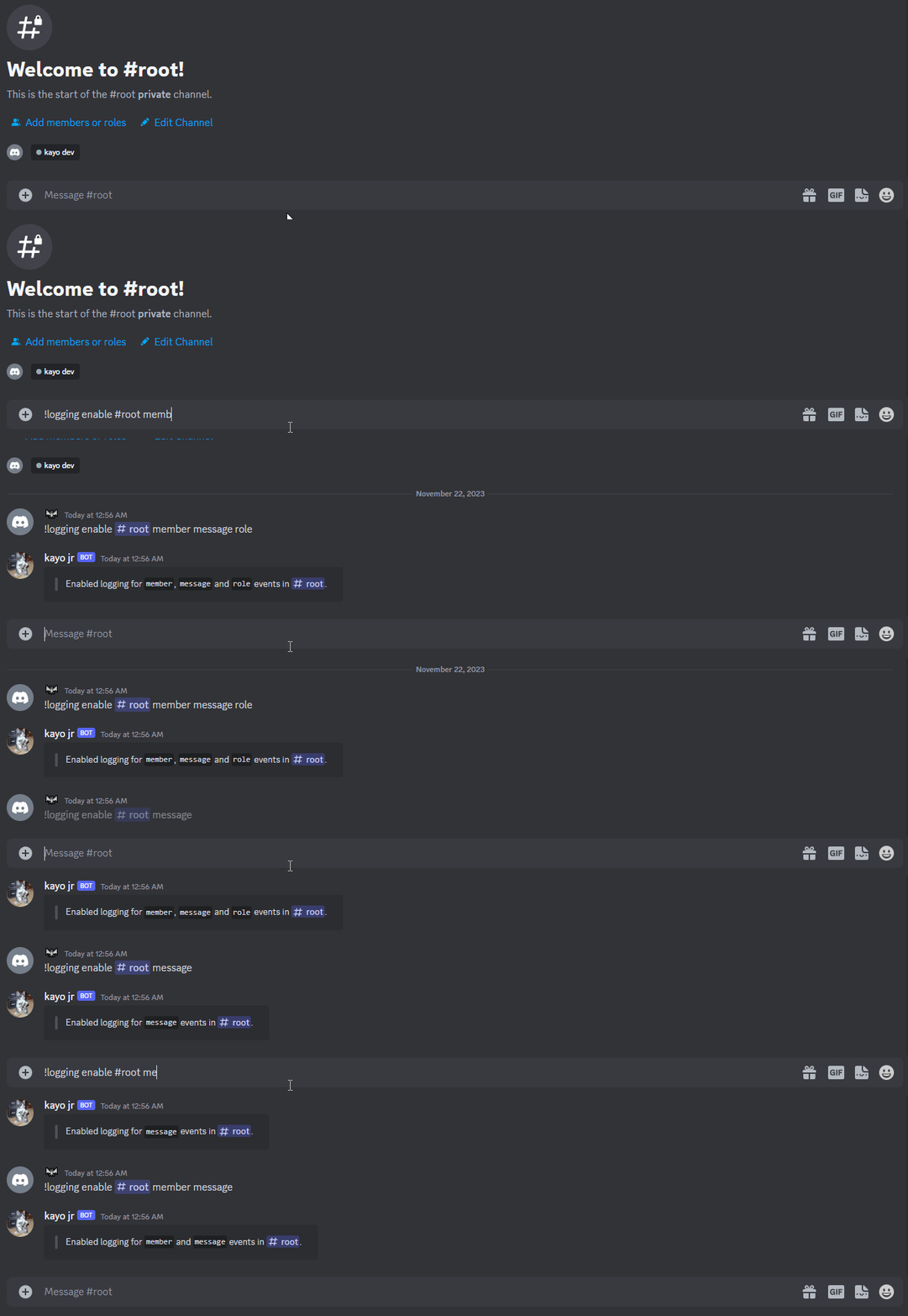
#
Events
#
Checking enabled logs
This displays every channel where logging is enabled, along with all the events logged for each respective channel.
logging list
#
Removing every log from a channel
This operates differently from ;logging enable; it only requires a channel argument and removes all enabled logs for that specific channel.
logging disable <channel>